

The Transactions page on VoteNaija is where organizers get a clear picture of everything happening financially across their events.
From earnings and withdrawals to individual voting activities, this dashboard is designed to give you full visibility and control. If you want to track money flow, confirm votes, or review voter activity in detail, this page is where it all happens.
Below is a clear breakdown of each section on the Transactions page and what it means for you as an organizer.
Transactions Page Header
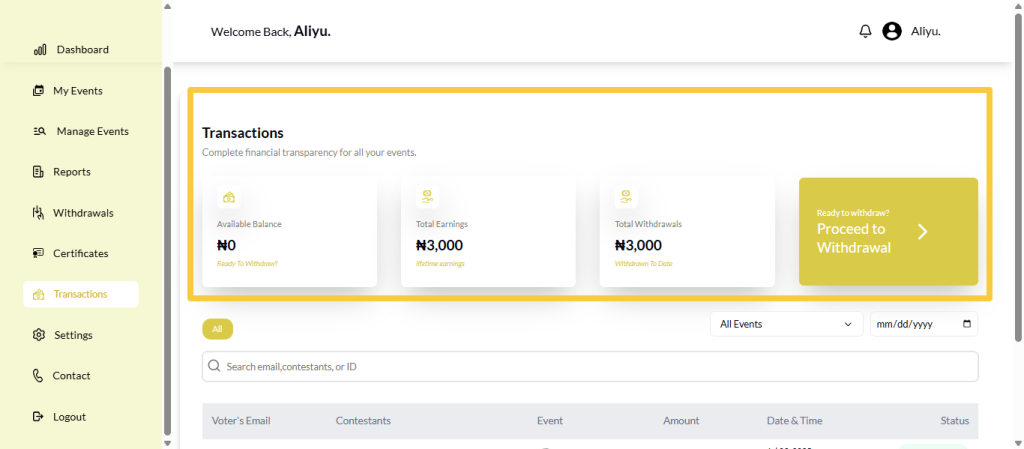
At the very top of the page, you will see the title “Transactions”.
Just below it is a short description that reads:
“Complete financial transparency for all your events.”
This sets the purpose of the page. Everything you see below this point relates to vote payments, earnings, withdrawals, and voter activity across your events.
Available Balance
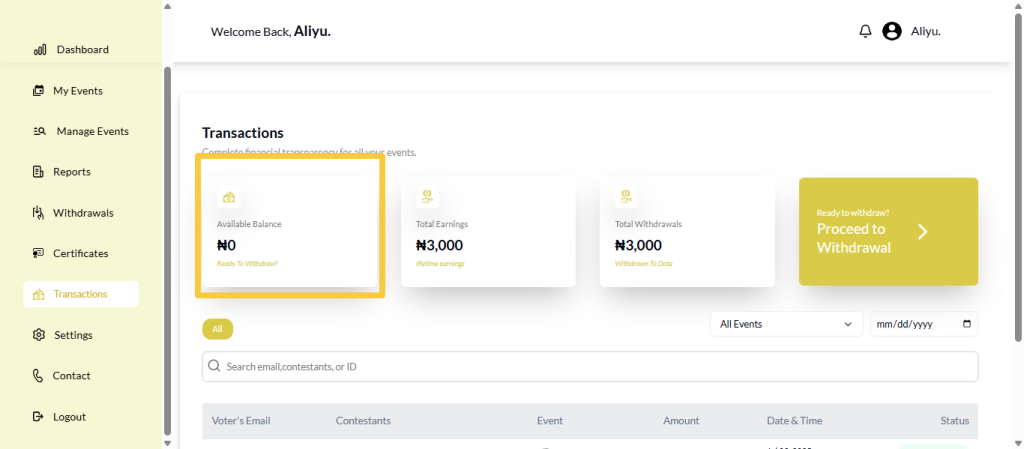
The Available Balance shows the amount of money you currently have that is ready for withdrawal.
This balance updates as votes are successfully completed and after withdrawals are processed. It helps you quickly know how much money you can access at any time without doing extra calculations.
Total Earnings
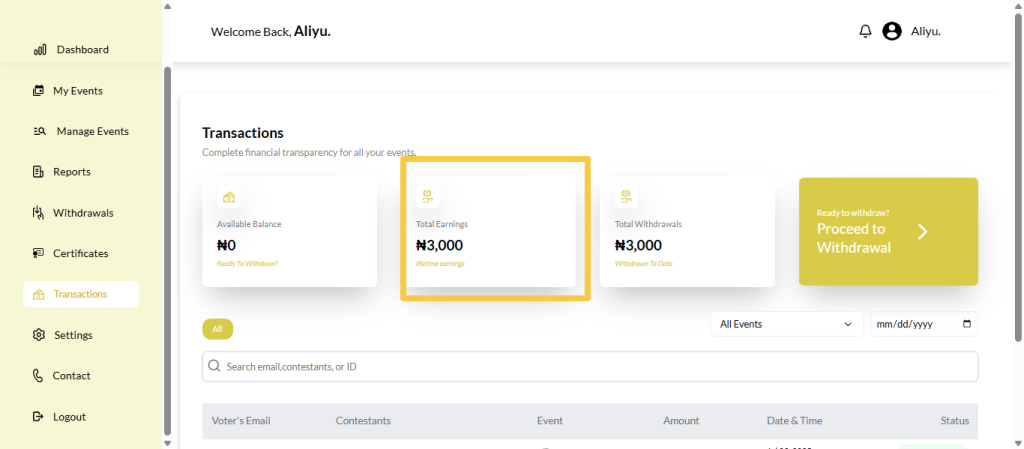
The Total Earnings section displays the total amount of money your events have generated from votes.
This includes all successful voting transactions across all your events. It gives you a quick overview of how well your events are performing financially over time.
Total Withdrawals
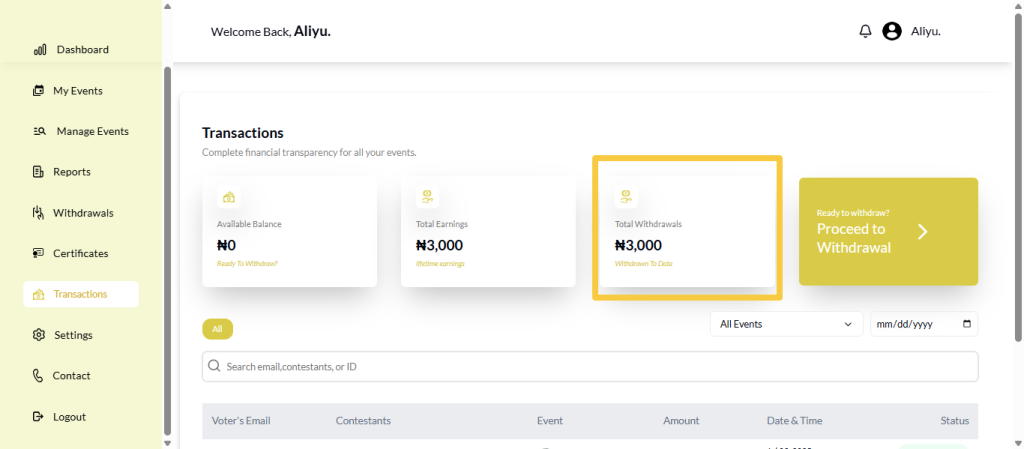
The Total Withdrawals section shows how much money you have already withdrawn from your VoteNaija account.
This helps you track how much you have taken out versus how much is still available. It is especially useful for record-keeping and financial planning.
Withdrawal Action Button
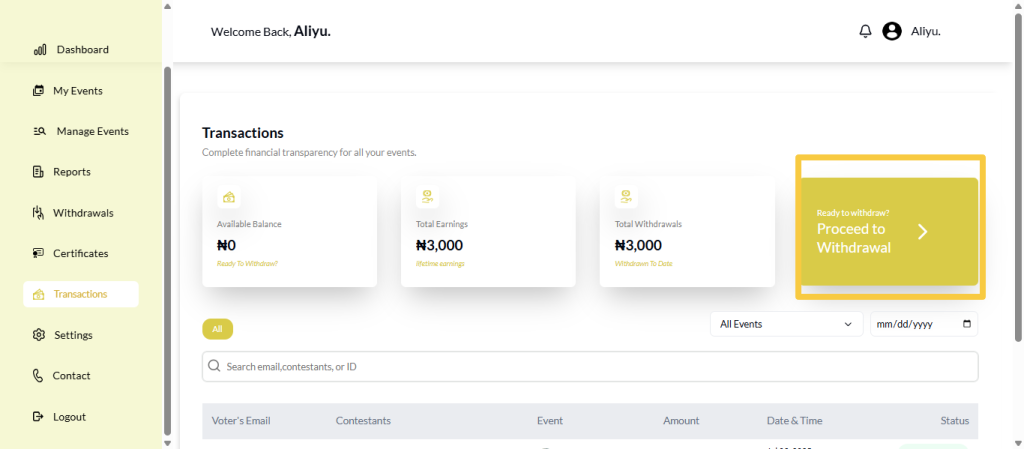
Below the balance and earnings sections, you will see a button labeled:
“Ready to withdraw?
Proceed to Withdrawal”
This button takes you directly to the withdrawal process. When your available balance is sufficient, you can use this button to initiate a payout without navigating to another page manually.
Voter Activities Section
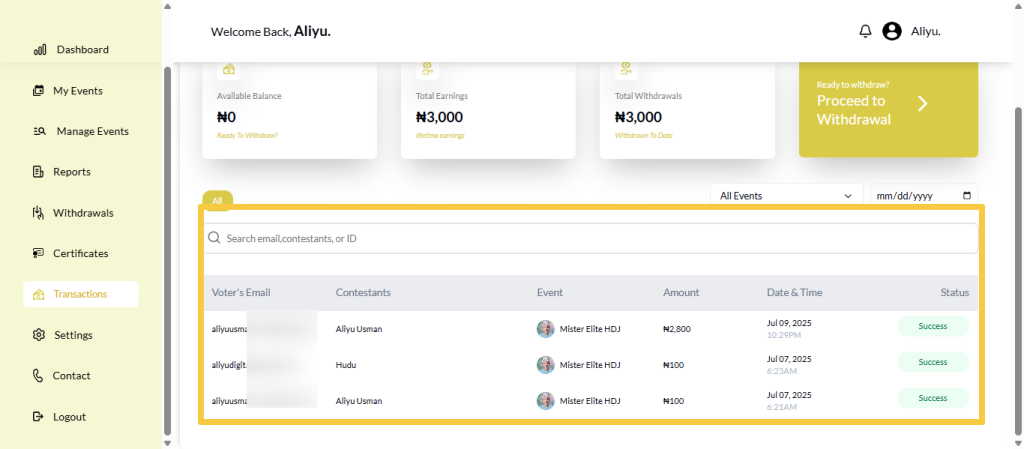
Further down the page is the Voter Activities section. This is where all individual voting transactions are listed.
This section allows you to review who voted, who they voted for, and whether each vote was successful.
Filtering Voter Activities
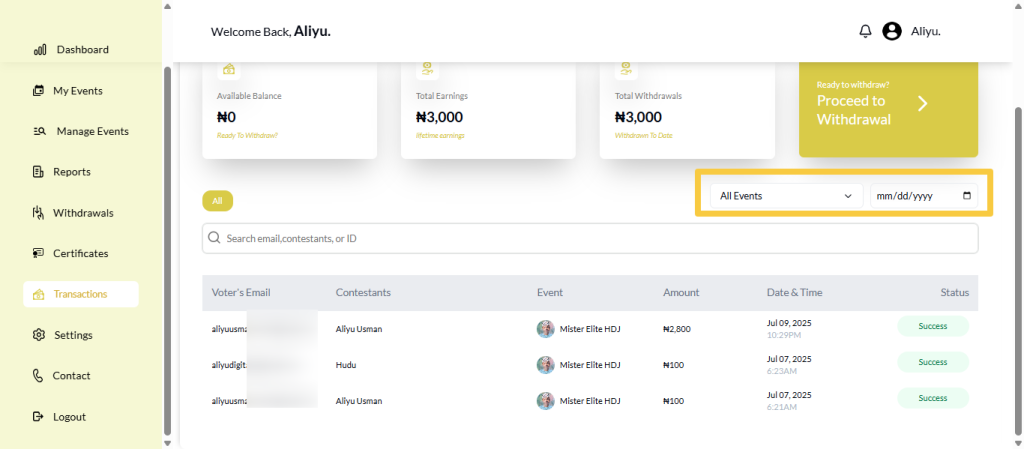
At the top of the voter activities section, you will find filtering options.
You can filter transactions by date, allowing you to view votes made on a specific day.
You can also filter by event name, which helps you focus on votes from a particular event.
These filters can be used individually or together to narrow down results quickly.
Voter Activities Table
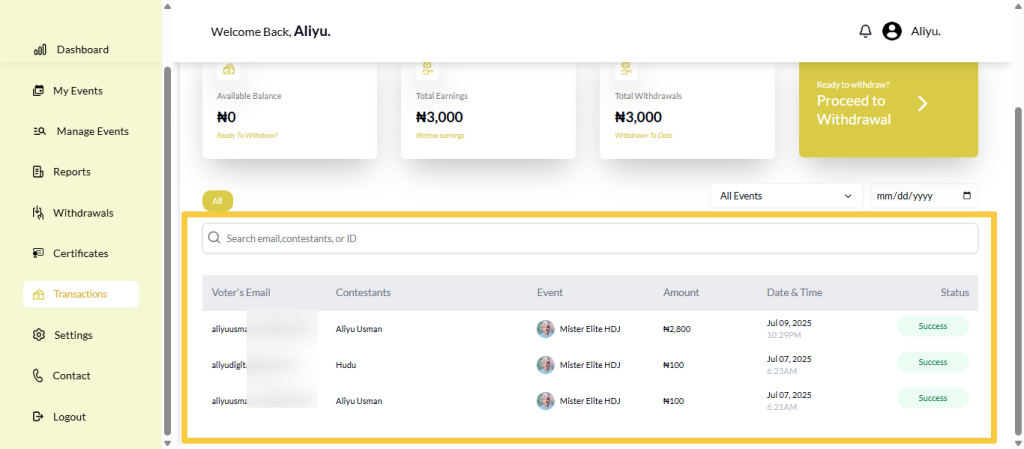
Below the filters is a detailed table listing all voter activities. Each transaction appears in a row with clear columns, including:
- Voter’s Email
- Contestants
- Event
- Amount
- Date & Time
- Status
This layout allows you to see exactly who voted, which contestant received the vote, how much was paid, when the vote occurred, and whether it was successful.
Understanding Vote Status
The Status column is especially important. It shows whether a vote was successful or unsuccessful.
This helps you confirm valid votes, investigate issues, and respond accurately to questions or complaints from participants.
Final Words
The Transactions page dashboard on VoteNaija gives organizers full control and transparency over their event finances. By understanding each section, from balances and withdrawals to detailed voter activities, you can manage your events more confidently, track performance accurately, and make informed decisions with ease.
Get started on VoteNaija with these guides:
- How to Edit or Update an Ongoing Event on a PC
- How to Edit Event Details While It’s Still in Draft Mode (On PC)
- Why You Can’t Edit an Event After It Goes Live ( And What to Do Instead) – on a PC
- Can I Still Add Contestants After the Event Starts? Here’s What to Know (on a PC)
- How to Avoid Auto-Publishing Before You Finish Setting Up Your Event (On Your PC)