

The Transactions page on VoteNaija works smoothly on mobile and still gives organizers full access to financial and voting data.
While the layout adjusts to fit smaller screens, every important detail remains available. This guide explains each section of the Transactions dashboard as seen on a mobile device.
Transactions Page Header
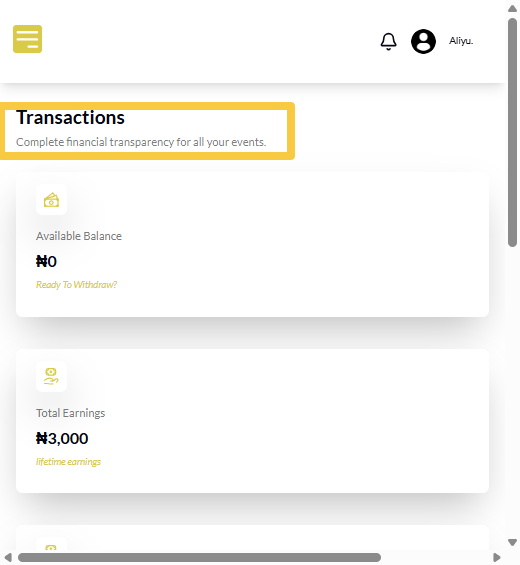
When you open the Transactions page on your phone, you will see the page title “Transactions” at the top.
Directly beneath it is the subheading “Complete financial transparency for all your events.”
This confirms that all earnings, withdrawals, and voting records related to your events are shown on this page.
Available Balance
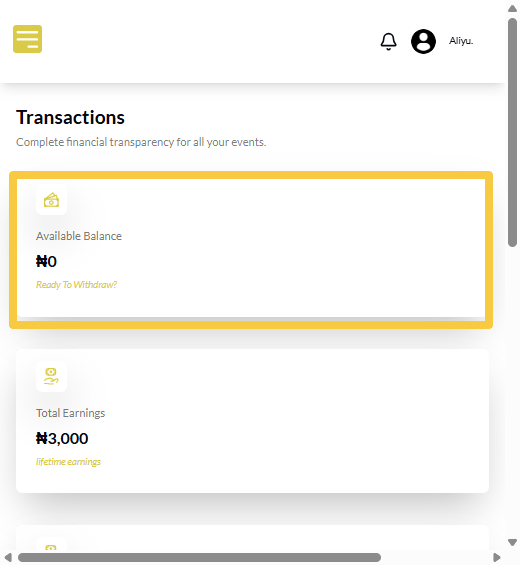
The Available Balance appears near the top of the page and shows the amount of money you can withdraw at that moment.
On mobile, this value is displayed clearly so you can check your withdrawable funds quickly without navigating through other sections.
Total Earnings
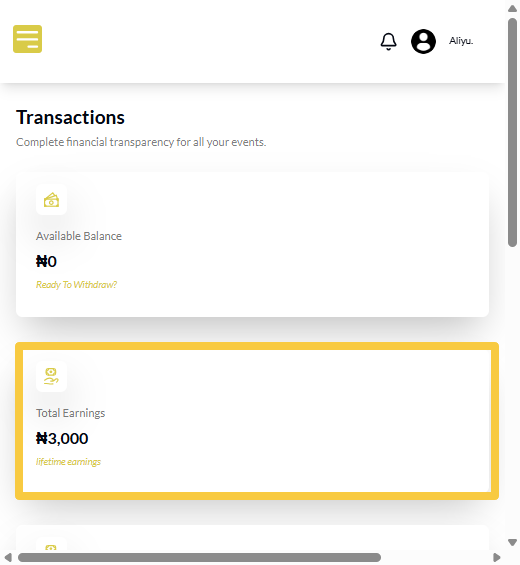
The Total Earnings section shows the total amount your events have generated from successful votes. This figure includes all completed transactions across your events and helps you understand overall performance directly from your phone.
Total Withdrawals
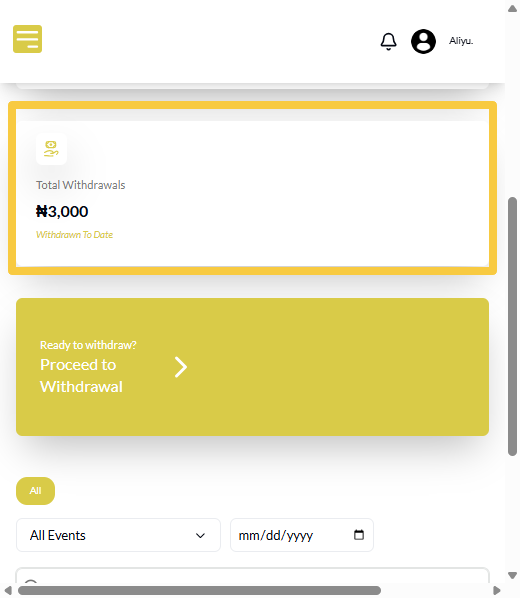
The Total Withdrawals section displays the total amount you have already withdrawn from your VoteNaija account. This helps you track how much has been paid out versus what is still available in your balance.
Withdrawal Action Button
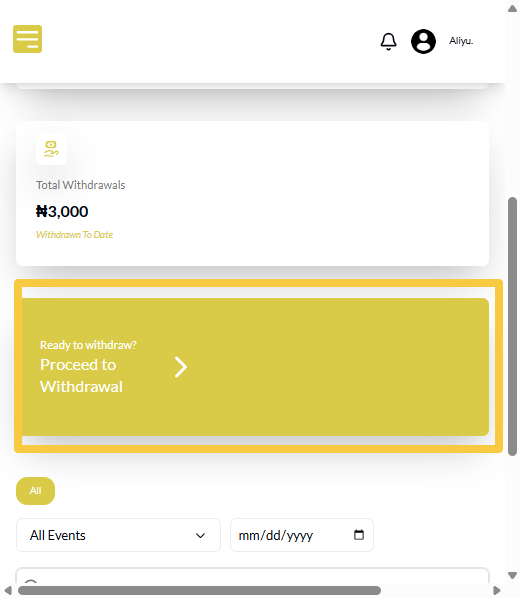
Below the balance and summary figures, you will see the button labeled “Ready to withdraw? Proceed to Withdrawal.” Tapping this button takes you straight to the withdrawal process, allowing you to initiate payouts without searching through menus.
Voter Activities Section
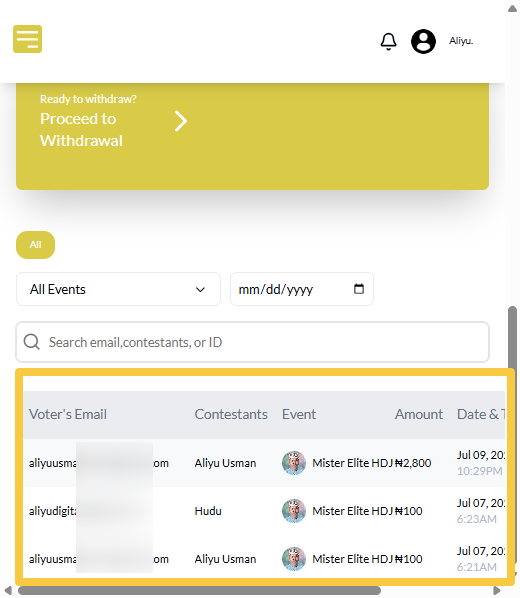
As you scroll down, you will reach the Voter Activities section. This is where all individual voting transactions are listed. Each entry represents a vote made on your events and includes important transaction details.
Filtering Voter Activities
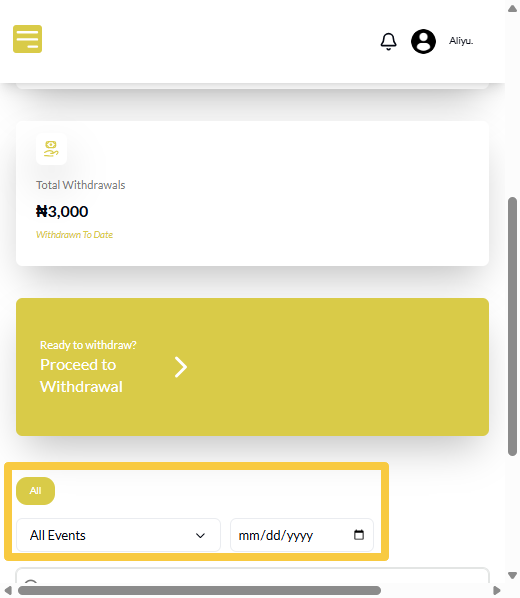
At the top of the voter activities section, you can filter transactions by date and by event name. These filters help you narrow down votes to a specific day or a particular event. On mobile, the filters are stacked neatly for easy access.
Final Words
The mobile Transactions dashboard allows organizers to monitor earnings, withdrawals, and voter activities conveniently from their phones. With all key details accessible and filters available, you can stay informed and manage your events confidently even while on the move.
Get started on VoteNaija with these guides:
- How to Check Total Votes and Earnings for an Event (on a Phone)
- How to Track Event Performance from Your Dashboard (On a Smartphone)
- Difference Between “My Events” and “Manage Events” Tabs (On Your Phone)
- Understanding Your Dashboard on VoteNaija (On Your Smartphone)
- How to Create a New Event on VoteNaija (On Your Smartphone)