

If you want to withdraw money from your VoteNaija account, the first thing you need to do is set up your bank details.
This step is simple and you only have to do it once. Once your bank is saved, you can request withdrawals anytime.
Here’s how to set it up in just a few steps.
Step 1: Log into Your VoteNaija Dashboard
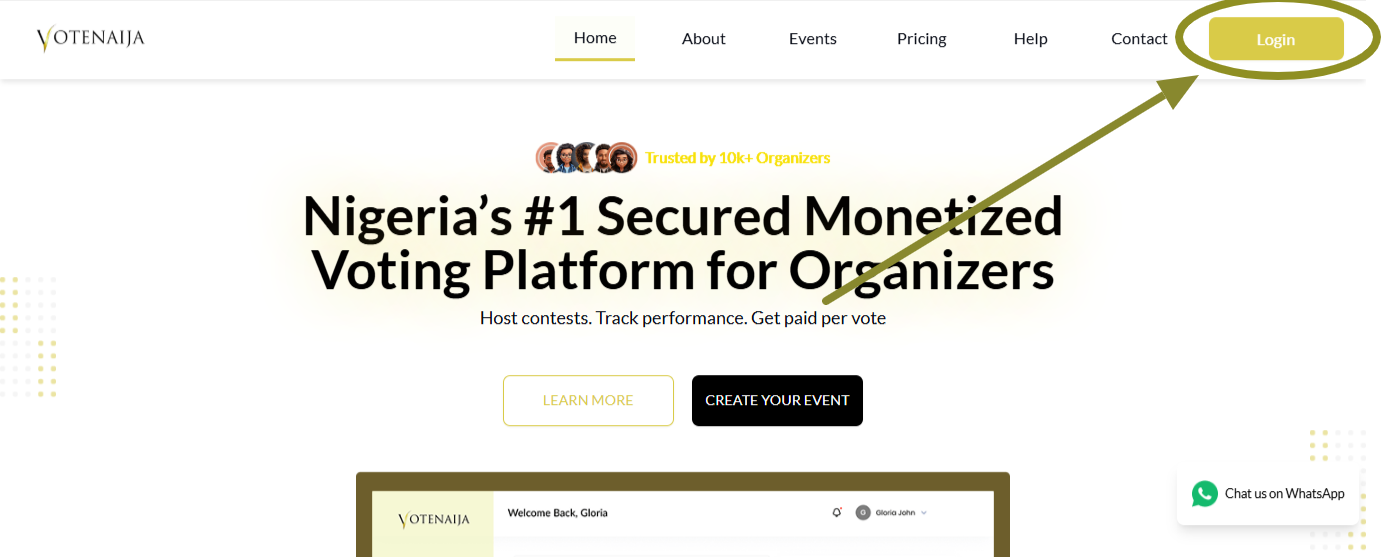
Go to the VoteNaija website and click on the Login button. Enter your details to log in.
Once you are logged in, you will land on your dashboard where you can manage your events, earnings, and account settings.
Step 2: Go to Settings from the Menu
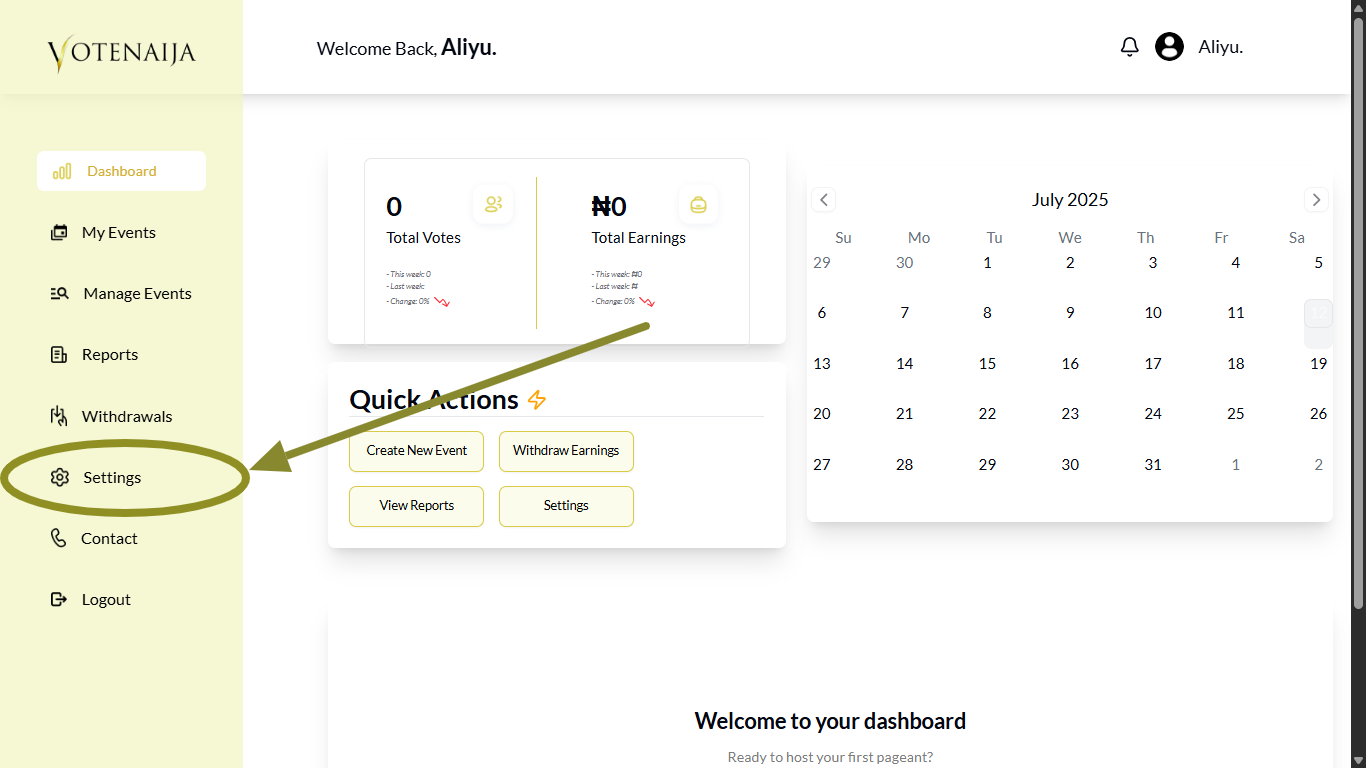
On the left side of your dashboard, you will see a menu.
Click on Settings to open your profile settings. This is where you control all your personal information and account preferences.
Step 3: Click on Bank Details
Click on Bank Details to continue.
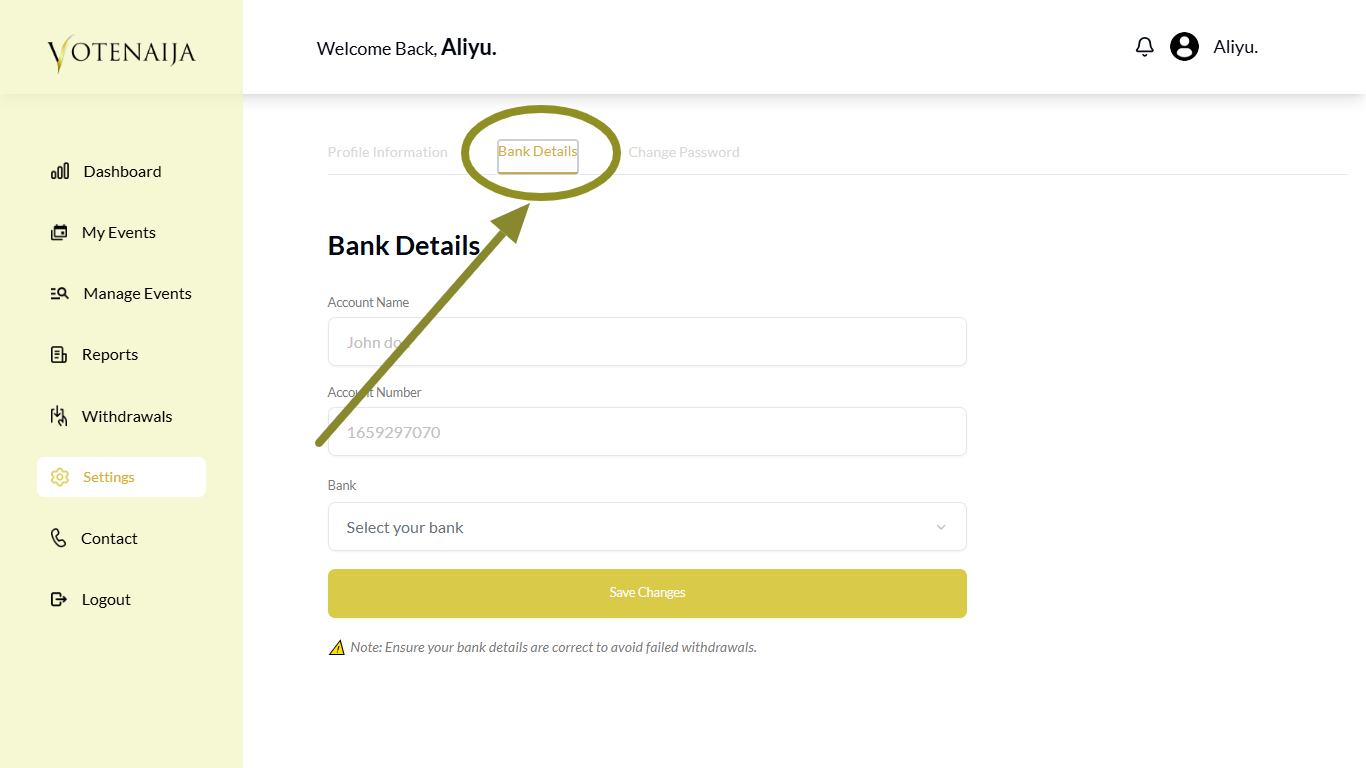
This is the section where you provide the account you want your earnings to be paid into.
Step 4: Fill in Your Bank Information
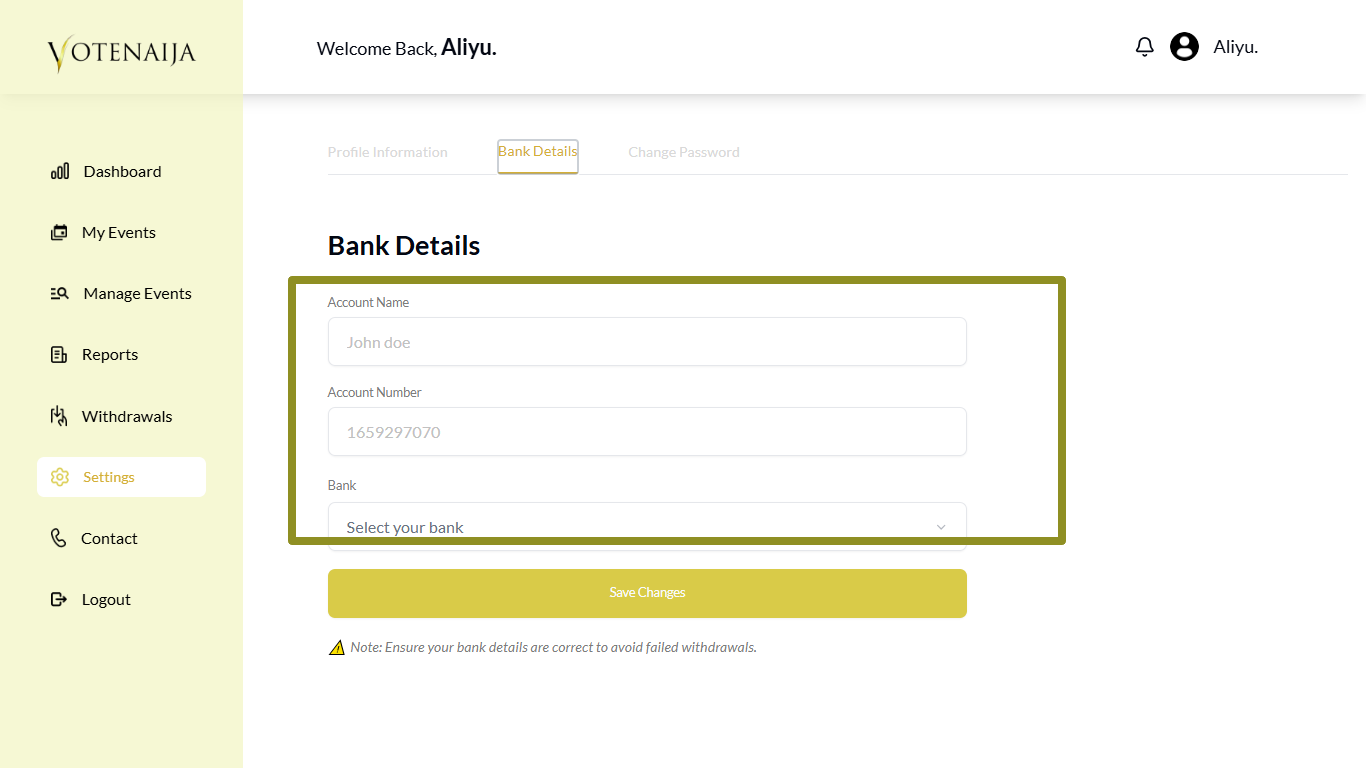
You will see a short form where you can enter your payment details.
Start by typing in your account name and account number. Be sure that this name matches what your bank has on file.
Then select your bank name from the dropdown list. This list includes all major banks and wallet accounts like Opay, Palmpay, and Moniepoint.
If you are using a wallet, make sure it is one that supports receiving bank transfers. Also confirm that the account name and number are accurate.
Double check everything before moving on. One small mistake can stop your withdrawal from going through.
Step 5: Click Save Changes
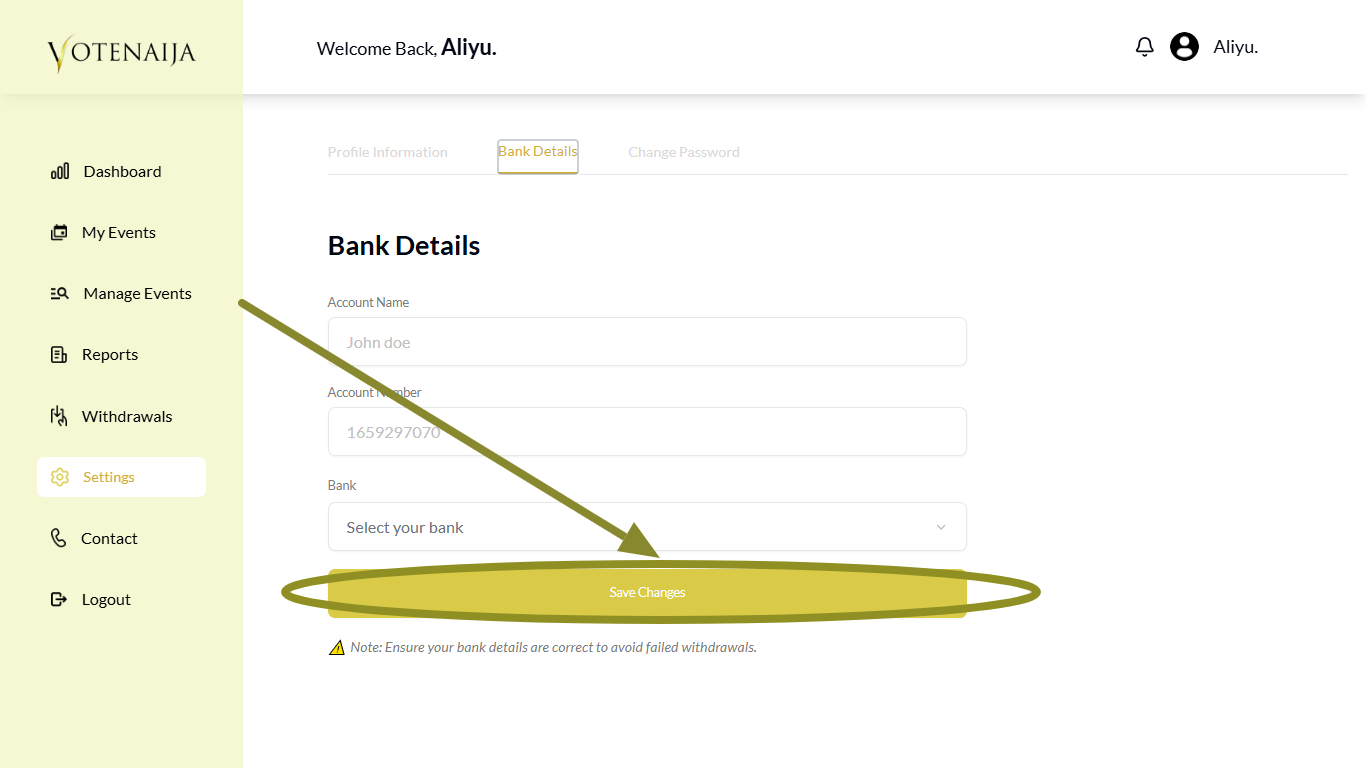
After entering all the information, scroll down and click the Save Changes button.
This will save your bank account details to your profile. From that point on, every time you request a withdrawal, VoteNaija will use these saved details.
Additional Tips
- You only need to do this once unless you change your bank account
- You can always come back here to update your bank info later
- After saving, go to the Withdrawals page in your dashboard when you are ready to request a payout
Find your way around faster using these VoteNaija guides.